
What Is a Sneaker or Retail Bot, and How Does It Work?
Learn what sneaker and retail bots do, how tasks and checkout profiles work, how bots differ from restock monitors, and what to understand before buying one.
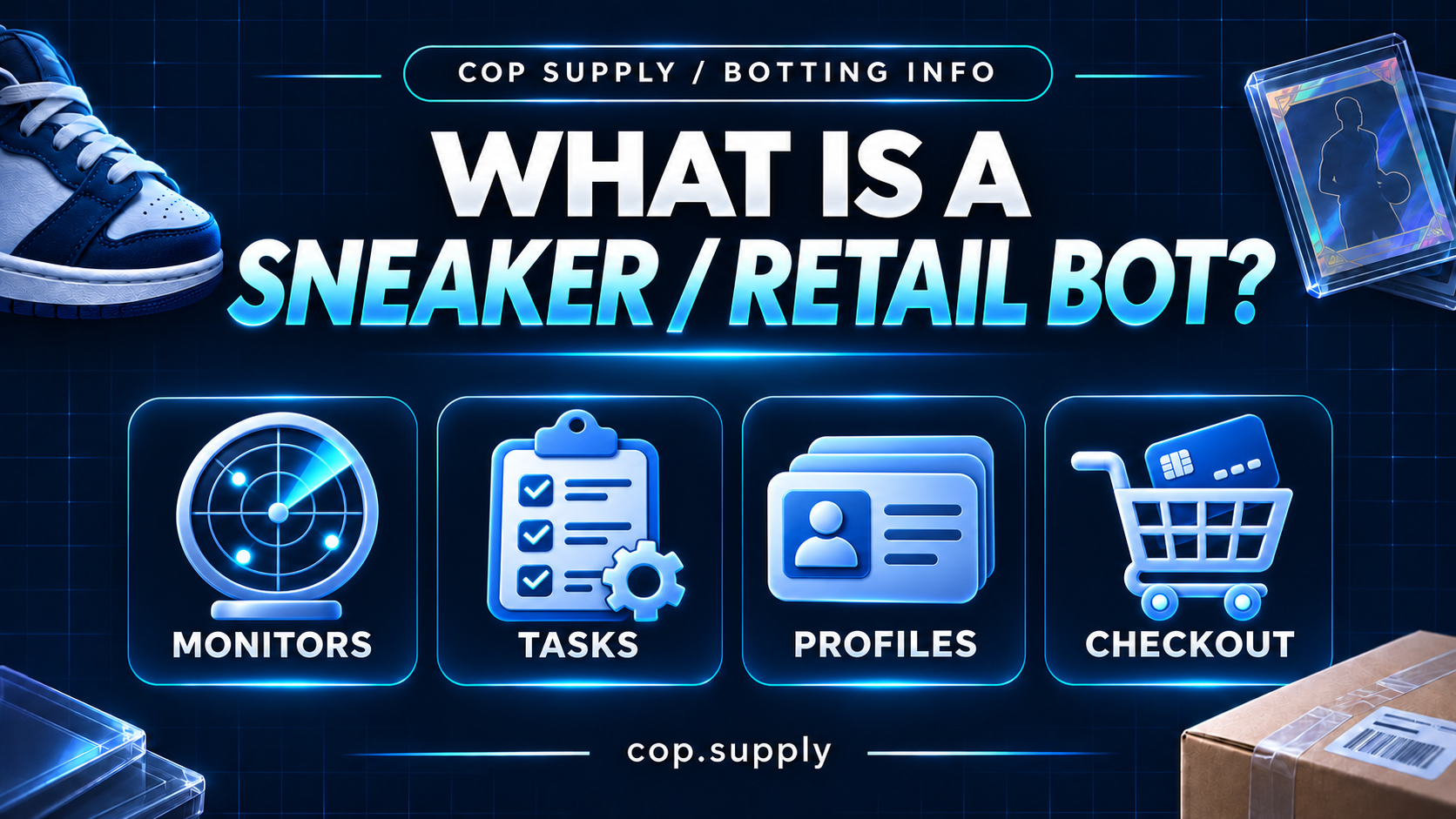
If you have spent time around sneaker releases, trading-card restocks, or reselling Discords, you have probably heard someone mention a bot. The word can make the software sound like a shortcut that does everything for you. In practice, it is a tool with a specific set of supported stores, settings, costs, and limitations.
This guide explains what a sneaker or retail bot actually does, what people mean by tasks and profiles, and how the software fits alongside monitors and cook groups. You do not need technical experience to follow it, and understanding the basics does not require buying anything first.
In this guide
- What is a sneaker or retail bot?
- A bot, a restock monitor, and autofill are different tools
- How does a retail bot work?
- Tasks, profiles, and other terms beginners should know
- What kinds of sneaker and retail bots are there?
- What do you need before using a bot?
- What does it cost, and where do cook groups fit?
- What can’t a bot guarantee?
- How to evaluate a bot before buying one
- Frequently asked questions about sneaker and retail bots
- Explore the tools with a clearer idea of what you need
01 / BOTTING INFO
What is a sneaker or retail bot?
A sneaker or retail bot is software that automates parts of shopping on supported websites. Depending on the product and store, it may watch for availability, select a product or size, add an item to a cart, enter saved information, and attempt checkout.
“Sneaker bot” usually describes software associated with footwear releases. “Retail bot” is broader and can include tools for trading cards, collectibles, toys, electronics, and other products. The names overlap: a product marketed as a sneaker bot may also support other categories.
The important word is supported. A bot is built to work with particular stores or purchasing flows. It does not automatically work on every website, in every country, or on every kind of release. A normal product-page checkout, an app launch, and a raffle can be different workflows.
For a concrete example of how a developer describes the category, NikeShoeBot’s official site presents its software as a tool for sneakers, retail products, and collectibles. That is a description of the product’s advertised coverage, not proof that any particular purchase will succeed. Always check the current supported-store list.
02 / BOTTING INFO
A bot, a restock monitor, and autofill are different tools
These tools can appear in the same setup, but they do different jobs. Knowing which job you want help with makes the options easier to compare.
| Tool | Main purpose | What still matters |
|---|---|---|
| Restock monitor | Detect changes or availability and send an alert. | An alert does not reserve stock or complete a purchase. |
| Autofill tool | Help enter saved information into supported forms. | You may still navigate the store and complete the remaining steps. |
| Checkout bot | Automate a supported purchasing workflow. | Correct setup, available inventory, retailer rules, and payment approval. |
Some bots include monitoring features. Some tools assist with only part of checkout or send a payment link that needs your attention. Read what the specific product and mode do rather than assuming every tool offers fully unattended buying.
A message in Discord saying an item is back in stock is usually an alert. It does not, by itself, mean software is attempting to purchase it for you.
03 / BOTTING INFO
How does a retail bot work?
At a high level, the software follows instructions you prepare. The details differ by developer, retailer, region, and release format, but the basic idea is easier to understand as four parts.
1. You define the job
The job identifies the supported store, the product or product criteria, and the action you want the software to attempt. It can also include a size, a spending limit, and the saved information the job should use. You remain responsible for checking those choices.
2. The software checks the relevant conditions
A monitoring job may watch for a matching item or an availability change. A checkout job may wait for a supported product to become purchasable. Store responses, queues, and stock changes affect what happens next.
3. It attempts the supported purchasing steps
Depending on the tool, that can include adding an item to a cart and submitting checkout information. Other workflows require a manual step. Starting a checkout job can place a real order and charge the configured payment method; it is not necessarily a practice run.
4. You review the result
The program reports a status, but you still need to understand what that status means. Check the retailer’s actual order information, payment, and fulfillment updates. A software notification is only one part of the buying process.
Stellar’s official getting-started guide is one example of a developer organizing the process around retailer preparation, saved checkout details, tasks, and notifications. Use the documentation for the software you actually choose; one developer’s instructions are not universal.
04 / BOTTING INFO
Tasks, profiles, and other terms beginners should know
The interface becomes less confusing once you know what its main labels refer to. Names and behavior can vary between products.
Task
A task is a configured job. It tells the software what to do for a particular store or workflow. Creating a task is not always the same as starting it, and not every task attempts checkout: some monitor or prepare a login. Stellar’s task documentation illustrates this distinction between jobs, groups, and modes.
Profile
A checkout profile holds saved information, commonly contact, shipping, billing, and payment details. A retailer account is different: it is the login used on the store. The developer’s profile guide explains the fields for that product. Protect saved data and do not share profile exports containing personal or payment information.
Mode
A mode describes the kind of job being run. Different modes can have different requirements and outcomes, even inside one bot. Do not choose a mode just because its name sounds faster.
Product identifier
A URL, SKU, or other identifier tells the software which product to look for. Similar-looking editions, sizes, and bundles can be separate items. The required input depends on the supported store and task type.
Proxy
A proxy routes a connection through another server. Some documented setups use them; others may not require an additional proxy service. Compatibility and billing differ by provider and use case.
License and renewal
The license gives access to the software under the developer’s terms. A renewal is the payment required to keep a subscription active. The initial payment, ongoing billing, and permission to rent or transfer a license are separate details to check.
Checkout or “copped”
These are labels people use for an apparently successful purchase attempt. They do not, on their own, establish that the retailer will fulfill the order or that the item will later resell profitably.
05 / BOTTING INFO
What kinds of sneaker and retail bots are there?
There are two useful ways to sort the options: by what they support and by where they run.
All-in-one, or AIO, bots cover multiple supported stores or categories in one product. A wide supported-store list can be convenient, but it does not mean every module has identical features or performance.
Store-specific bots focus on a narrower retailer or purchasing flow. Narrow coverage can fit a specific use case, but you still need to check the region, product category, and release types included.
Desktop apps, browser tools, and mobile products describe how you access the software. Some phone apps are companions to a desktop program rather than independent bots. Check whether your computer must remain running and whether your operating system is supported.
Choose based on the job you need done. A product’s category label is a starting point for research, not a substitute for its current documentation.
06 / BOTTING INFO
What do you need before using a bot?
Start with the actual software requirements instead of a shopping list copied from someone else’s setup.
- A supported device: check operating system, memory, and any other requirements for your intended workload.
- Software access: obtain the application and license through the developer’s official channels.
- A reliable connection: understand whether the program must stay open, online, and awake while a job runs.
- Valid purchase information: review your shipping, billing, and payment details, plus a retailer account where the workflow requires one.
- The relevant store guide: confirm current support and which services are actually required.
- Available purchasing funds: software access does not pay for the products you buy.
A remote server, paid cook group, or extra integration can be useful in some circumstances. None should be treated as a universal requirement. Begin with the services required for the workflow you understand, and add optional tools for a clear reason.
07 / BOTTING INFO
What does it cost, and where do cook groups fit?
The software price is one line in the budget. Other possible expenses include renewals, proxies, a remote server, usage-based integrations, and community memberships. Keep those separate from the money needed for inventory and the costs of selling it.
Our guide to how much botting costs breaks down those categories with published pricing examples, an illustrative monthly budget, and a simple break-even calculation. Check the date and the provider’s current checkout terms before relying on a quoted price.
A cook group usually supports the information and learning side: releases, product research, alerts, guides, and community help. The bot handles the supported software jobs you configure. Joining a group does not automatically provide a bot license, and buying a bot does not automatically include a separate cook group.
For a fuller explanation, read what a cook group is and how it works. Evaluate what each service includes so you can spot overlap before paying for several subscriptions.
08 / BOTTING INFO
What can’t a bot guarantee?
A bot cannot guarantee stock, an accepted order, delivery, or a profitable resale. Those are different stages, and the software does not control all of them.
Retailers also actively respond to automated buying. Nike describes identifying and removing bot activity from SNKRS launches. Shopify documents bot-protection controls that eligible merchants can use to limit automated checkout. A developer listing a store as supported does not mean the retailer endorses that software.
Inventory can sell out, payments can fail, websites can change, and workflows can stop working until a developer updates them. Store purchase rules still matter. Check those rules rather than assuming that software access gives you permission to automate any purchase.
Separate these four questions when reviewing results:
- Did the software report a successful attempt?
- Did the retailer accept and retain the order?
- Was the item actually delivered?
- If you resold it, what remained after all costs?
A screenshot of one stage cannot answer every question. Use your own order and expense records rather than treating somebody else’s success post as a forecast.
09 / BOTTING INFO
How to evaluate a bot before buying one
You do not need to choose a brand before you understand what you want to do. Work through the following questions first:
- What exact stores and region do I need? Check the current supported list and the relevant written guide.
- What does this tool actually automate? Distinguish alerts, assisted checkout, and purchase-submitting jobs.
- Can my device run it? Confirm desktop and mobile requirements instead of relying on a product screenshot.
- What will the whole setup cost? Include the first payment, renewals, required services, and separate inventory funds.
- What support is included? Look for documentation and a clear way to ask setup questions.
- How does access end? Read renewal, cancellation, refund, and license terms before paying.
- Does this fit the retailer’s rules and my own buying plan? A tool is only useful when its supported workflow fits what you intend to do.
If an official demonstration is available, use it to understand the interface and terminology. A demonstration can show how a tool works without proving how it will perform during a live release.
Manual buying remains an option. You can learn product research, pricing, marketplace selling, and inventory management before deciding whether automation is useful for your approach.
10 / BOTTING INFO
Frequently asked questions about sneaker and retail bots
Is a retail bot the same thing as a Discord bot?
No. A Discord bot is an application that operates within Discord and can perform many kinds of tasks. A retail bot automates a supported shopping workflow. A retail product may send notifications to Discord, but that does not make the two categories interchangeable.
Does every bot automatically finish checkout?
No. Some tools monitor stock or assist with only part of the process. Others may require manual payment or verification. Read the exact feature description and retailer guide.
Can I run a bot entirely from my phone?
That depends on the product. A mobile companion can control software that still needs to run on a computer or server. Check whether the phone app is independent or connects to another running device.
Does creating more tasks mean I will buy more products?
No. Task counts describe configured jobs, not guaranteed purchases. Multiple checkout jobs may also create more spending exposure if several complete. Understand the product’s behavior and your intended purchase limit before starting anything.
Do I need a bot to join a cook group?
No. Groups can offer manual buying information, retail deals, education, and research. Check which activities the particular group covers.
Is a successful checkout the same as resale profit?
No. You still need an accepted and fulfilled order, a buyer, and enough margin after purchase costs, selling charges, shipping, and your share of ongoing expenses.
11 / BOTTING INFO
Explore the tools with a clearer idea of what you need
Think of a sneaker or retail bot as one part of the process: software that follows your instructions on supported stores. It can automate specific actions, while you still choose products, manage the budget, follow purchase rules, and review the results.
When you are ready to compare products, browse Cop Supply’s sneaker and retail bot directory. For supporting services, explore proxy providers, Windows VPS services, and cook groups. Read each provider’s current documentation before making a purchase.